 Compra 100% segura
 Enviado por
  Garantia de reembolso
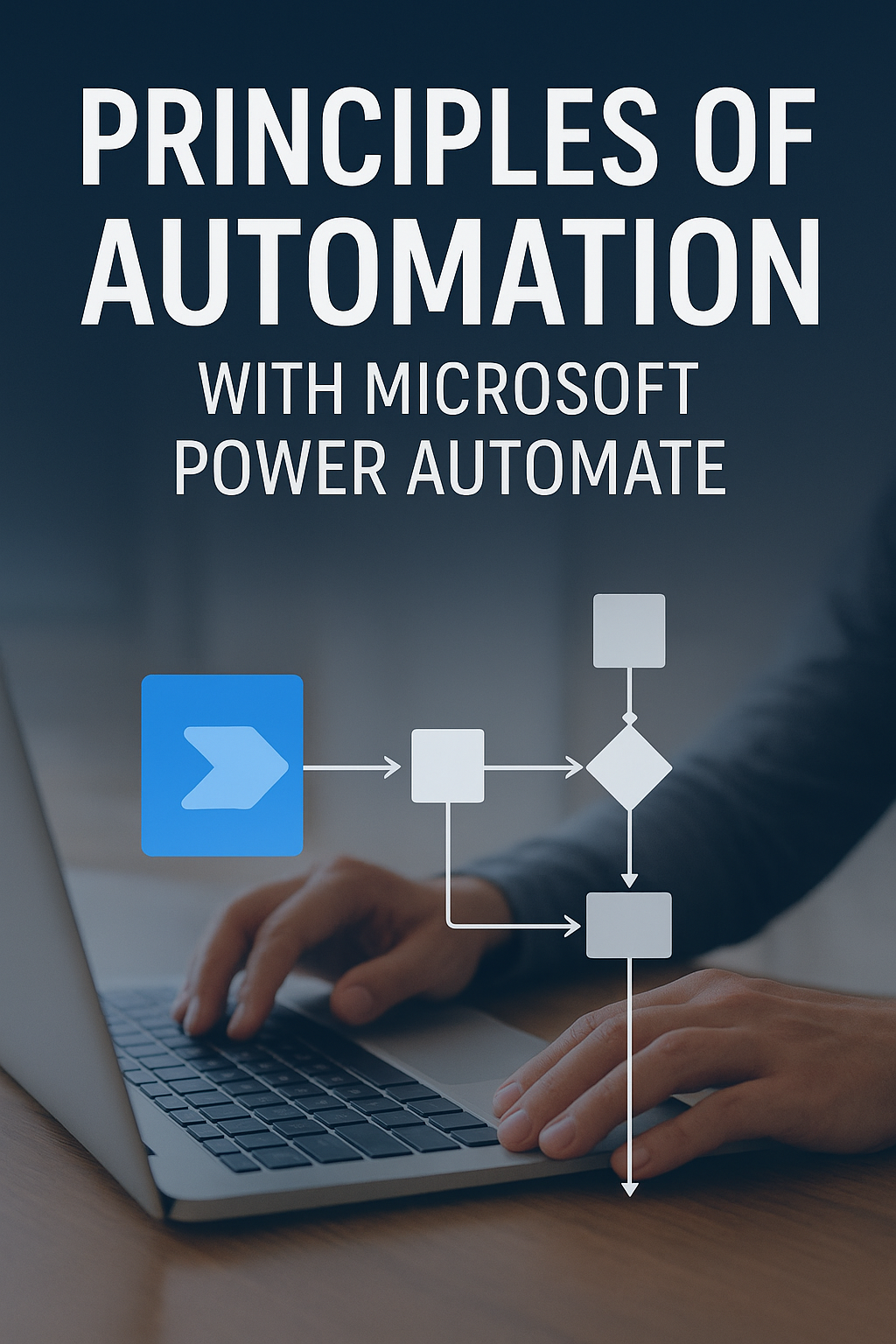
automate tasks with Microsoft Power Automate
Microsoft Power Automate is a cloud-based automation tool that enables users to create workflows that automate repetitive tasks across multiple applications. It serves to enhance productivity by simplifying processes, allowing users to focus on more strategic activities.
Benefits
- Automates repetitive tasks, saving time and reducing errors.
- Integrates seamlessly with other Microsoft applications and third-party services.
- User-friendly interface that requires no coding skills.
- Enhances collaboration by automating notifications and approvals.
- Improves business efficiency through streamlined processes.
How it works
Power Automate allows users to create automated workflows by selecting triggers and actions. For instance, you can set a trigger to start a workflow when a new email arrives, and then define actions such as saving attachments to cloud storage or sending notifications to team members. This process eliminates manual steps and increases accuracy.
How to use / application practical
To get started with Microsoft Power Automate, sign up for an account and explore the templates available for various tasks. For example, you can automate data entry from forms to spreadsheets, or create alerts for important emails. Users can easily customize workflows to fit their specific needs, making it a versatile tool across different industries.
For whom it is indicated
This tool is ideal for business professionals, project managers, and teams looking to improve efficiency and reduce manual work. It's also beneficial for small business owners who want to optimize their operations without hiring extensive IT support.
Differentials of the product
Microsoft Power Automate stands out due to its extensive integration capabilities with Microsoft 365 and numerous third-party applications. Its no-code approach makes it accessible to users without technical backgrounds, while still offering powerful automation features that can scale with business needs.
Problems it solves
Power Automate addresses common pain points such as time-consuming manual processes, the risk of human error in repetitive tasks, and the need for real-time data updates. By automating these tasks, businesses can allocate resources more effectively and improve overall productivity.
Technical characteristics
Power Automate operates in the cloud, allowing for easy access and collaboration from anywhere. It supports a wide range of connectors to various applications, enabling users to create complex workflows that span multiple systems without the need for extensive coding knowledge.
FAQ
1. What is Microsoft Power Automate?
It is a cloud-based tool that automates workflows between applications to streamline processes and enhance productivity.
2. How do I start using Power Automate?
Sign up for an account, explore templates, and begin creating your workflows based on your specific needs.
3. Can I use Power Automate without coding skills?
Yes, Power Automate is designed for users of all skill levels, featuring a no-code interface.
4. What types of tasks can I automate with Power Automate?
You can automate tasks like data entry, notifications, approvals, and report generation across various applications.
5. Is Power Automate suitable for small businesses?
Absolutely. It helps small businesses optimize operations and improve efficiency without significant IT resources.
Start automating your tasks today with Microsoft Power Automate and experience enhanced productivity. Visit our product page to learn more and make your purchase!
Mais vendidos do Hotmart
















































Siga nosso instagram

